
Free tool · No sign-up
Google review QR code generator
Paste your Place ID or Google review link. You get a QR code that opens your Google review form, as a PNG for screens or an SVG for print.
- Free, no account needed
- PNG for screens, SVG for print
Next step
A QR code needs the camera app. A tap does not.
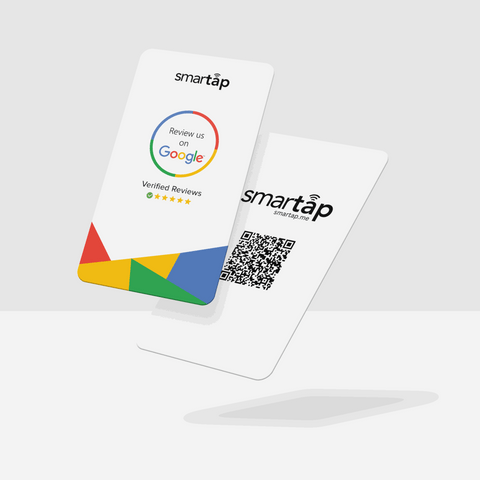
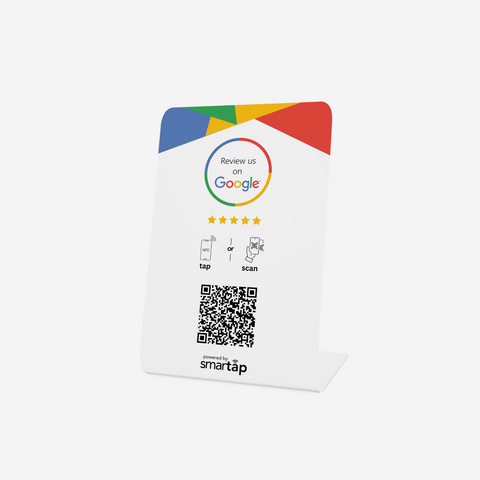
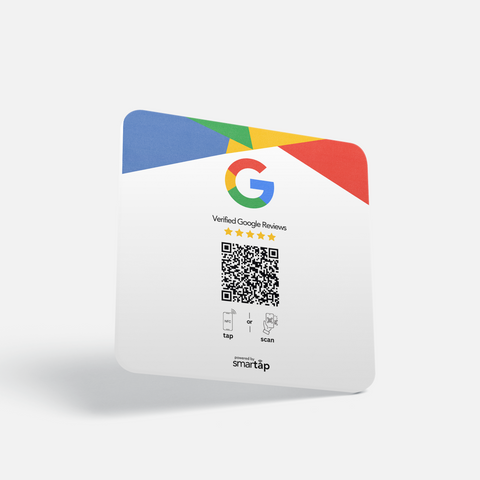
Every Smartap product has an NFC chip and a QR code. You add your link in the free Smartap app, and you can change it any time.
-
Google Review Card
From $17.95
-
Google Review Stand
From $36.95
-
Google Review Sign
From $15.49
We could not add it. Your cart has not changed.
Free tracked shipping. See every product
How to find your review link manually
- Sign in to Google with the account that manages your business, then open your Business Profile.
- Choose Ask for reviews.
- Copy the link Google shows you, and paste it above to make your QR code.
Can I change the link after I print this code?
Not on this code: it opens Google directly, so a new link means a new code. On a Smartap product you change the link in the free Smartap app, without reprinting.
Am I allowed to ask customers for Google reviews?
Yes, if you ask every customer and offer nothing in return. Google does not allow discounts or gifts for reviews, or asking only the customers you expect to be happy.